MCP Server for Freight Quotes and Shipment Tracking
What an MCP server for logistics does
An MCP server for freight exposes rating and tracking as typed tools, so an assistant can ask for a quote or a shipment status directly instead of a person opening a rate portal. MCP, the Model Context Protocol, is the interface layer: it defines how a client such as Claude, ChatGPT, Codex, Cursor or VS Code discovers what tools a server offers, what arguments each one takes, and what shape the answer comes back in. For logistics that turns two recurring chores, "what will this cost" and "where is it", into function calls.
The rest of this article covers what to expect from each tool type, how quoting differs across freight modes, and how to connect a working server. The examples use the public JTLGO Commerce MCP connector, which quotes China-origin routes and tracks shipments.
The tools a freight MCP server should expose
A useful server is small. Four to six well-specified tools beat twenty vague ones, because the client has to choose between them from the description alone.
| Tool | Use it for | Typical input | Returns |
|---|---|---|---|
| quote_shipping_rates | Route and cost estimate | weight, destination country, length, width, height, goods type | Route options with billable weight and transit estimate |
| track_shipment | Status of a parcel or order | one tracking number or a list | Latest timeline events and an exception hint |
| search_products | Finding what will be shipped | keyword, platform, limit | Candidate items with identifiers |
| get_product_detail | Confirming one item before quoting | product id or URL | Specification fields including weight where published |
| human_handoff | Escalating when confidence is low | language, reason | A support path a person can pick up |
| get_mcp_config | Verifying the connection | none | Connector metadata and the tool list |
The last two matter more than they look. A configuration tool gives you a way to prove the connector is reachable without spending a rate lookup, and an explicit handoff tool gives the assistant somewhere to go when the answer is genuinely uncertain, instead of inventing a number.
Quoting differs by mode, and the inputs differ with it
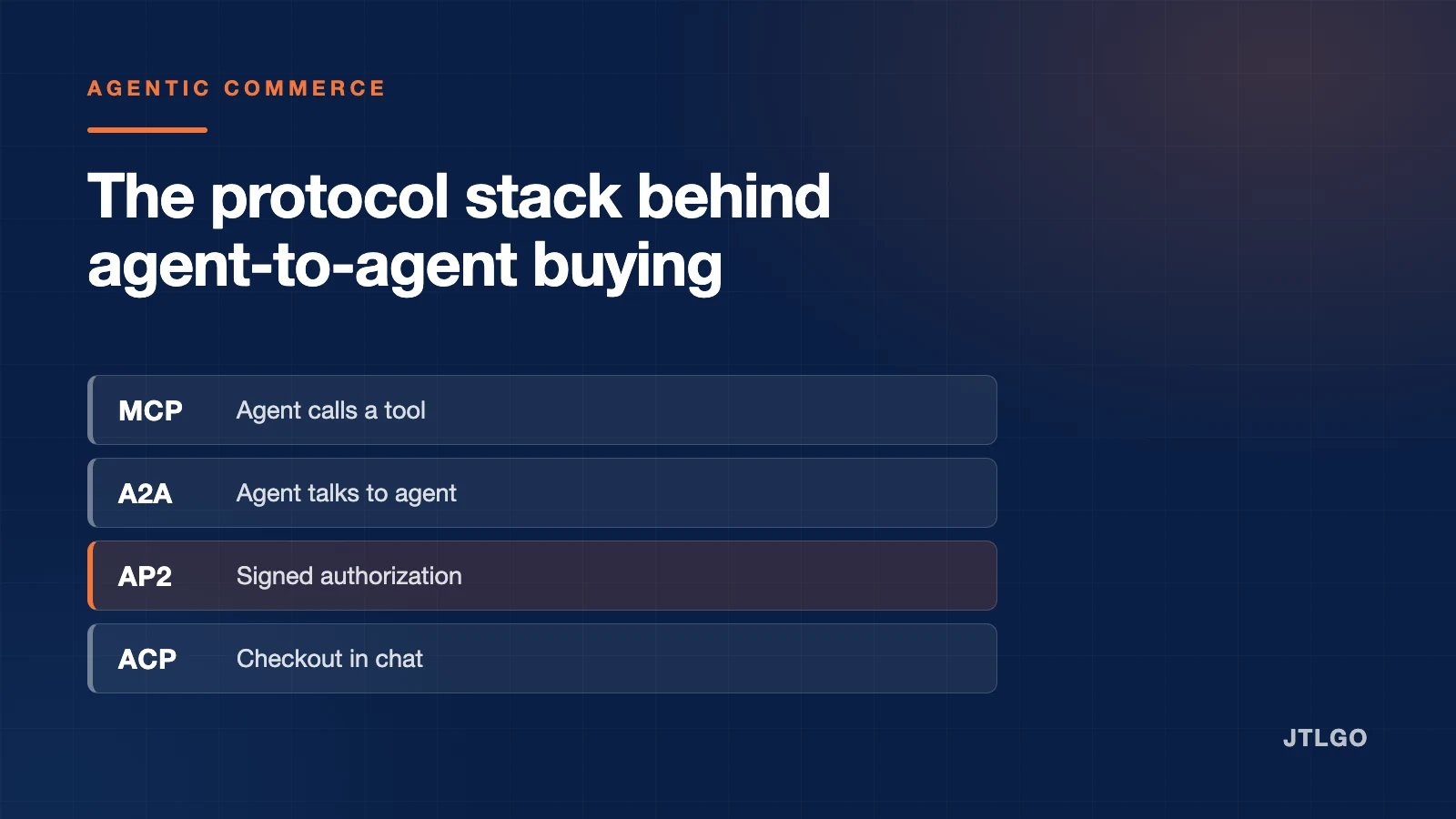
Buyers search for "MCP server for LTL quote" and "MCP server for FTL quote" as if rating were one problem, much as they treat the agent protocol stack as one thing. It is not. The mode determines which inputs a quote tool must demand, and a tool that accepts too little produces confident nonsense.
| Mode | What drives the price | Inputs a quote tool must require |
|---|---|---|
| Parcel and express | The greater of actual and volumetric weight | Weight, all three dimensions, destination, goods type |
| LTL, less than truckload | Freight class or density, plus accessorials | Pallet count, dimensions, class or density, pickup and delivery accessorials |
| FTL, full truckload | Lane, equipment type and date | Origin and destination points, trailer type, pickup date |
| Air freight | Chargeable weight at a volumetric divisor | Gross weight, dimensions, airport pair, commodity restrictions |
| Ocean, LCL and FCL | Cubic metres, or container count and type | Volume or container type, port pair, incoterm |
Two practical consequences. First, any quote tool that accepts a weight without dimensions is guessing, because for almost every mode the billable figure is volumetric. Second, domestic LTL and FTL rating in a destination country is a different data source from international export rating; a server that does one does not automatically do the other. Check which one you are connecting to before you build a workflow on it.
The JTLGO connector quotes China-origin routes, which means express, air and ocean options out of China with billable weight calculated from the dimensions you supply. It does not rate domestic truckload movements inside the destination country. The same rating engine is available to people through Rate and Ship, and the same timeline through shipment tracking. That is a deliberate scope, and it is better to know it up front than to discover it inside an agent loop.
Connecting a server
A hosted MCP server is a URL. Most clients need nothing more than that, and the transport is JSON-RPC over HTTP POST.
{
  "mcpServers": {
    "jtlgo": {
      "url": "https://jtlgo.com/api/mcp"
    }
  }
}
To verify the connection by hand before wiring it into a client, send an initialize call, then list the tools. The endpoint requires POST and an Accept header naming both JSON and the event-stream type; a plain GET is rejected on purpose.
curl -X POST https://jtlgo.com/api/mcp \
  -H 'content-type: application/json' \
  -H 'accept: application/json, text/event-stream' \
  -d '{"jsonrpc":"2.0","id":1,"method":"tools/list"}'
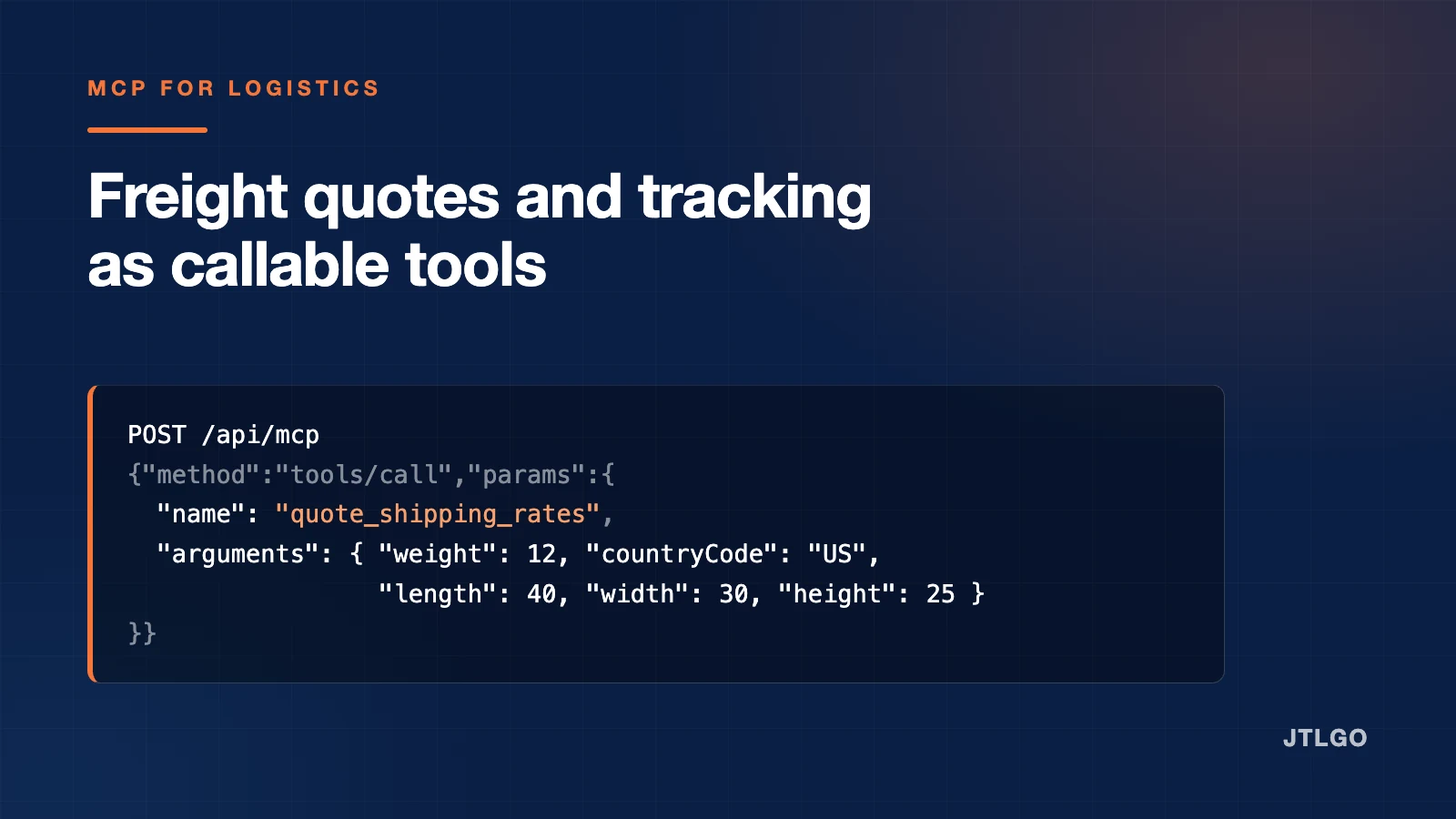
A quote call looks like any other tool invocation. Supply the dimensions, not just the weight.
{
  "jsonrpc": "2.0",
  "id": 2,
  "method": "tools/call",
  "params": {
    "name": "quote_shipping_rates",
    "arguments": {
      "weight": 12,
      "countryCode": "US",
      "length": 40,
      "width": 30,
      "height": 25,
      "goodsType": "general"
    }
  }
}
Public access and account access
Freight connectors generally need two tiers, and conflating them is the most common integration mistake. Open tools such as rating and public tracking need no sign-in, because there is nothing account-specific to protect. Anything that reads a customer's own orders, work items or support history does, and that is where OAuth belongs.
JTLGO exposes this as two URLs against one server: https://jtlgo.com/api/mcp for the six public tools, and https://jtlgo.com/api/mcp/account for the same six plus four account-scoped tools, where the client starts an OAuth flow only when account data is actually requested. Choose the account URL when the assistant needs to answer questions about a specific customer's shipments, and the public URL when it does not. There is no benefit to configuring both.
What to check before you trust a freight connector
- Does a tool call actually reach the upstream? A server that answers
tools/listis not necessarily working. List calls are usually served from a static schema. Call a real tool. - Does the quote tool require dimensions? If it accepts weight alone, its output will be wrong for anything light and bulky, which is most consumer goods.
- Does tracking distinguish "no data yet" from "not found"? These mean different things to a customer, and a connector that collapses them will make an assistant give confidently wrong reassurance.
- Is there an explicit escalation path? Rating engines return nothing for restricted commodities and unusual lanes. The correct behaviour is to hand off, not to extrapolate.
- Is scope stated plainly? Origin regions, modes covered, and whether domestic truckload rating is included.
Frequently asked questions
What is an MCP server for freight?
A service that exposes freight rating and shipment tracking as callable tools over the Model Context Protocol, so an AI assistant can request a quote or a status directly rather than a person using a rate portal.
Can an MCP server quote LTL and FTL rates?
It can, if it is connected to a carrier rating engine for those modes and requires the right inputs: pallet count, dimensions and freight class for LTL, and lane, equipment type and pickup date for FTL. Many logistics connectors, including JTLGO's, cover international export modes rather than domestic truckload, so confirm the scope before relying on it.
Do I need an API key to use a logistics MCP server?
For public rating and tracking, usually not. For anything that reads a specific customer's account, yes, and it should be an OAuth flow started by the client rather than a key pasted into a config file.
Which MCP clients can use it?
Any client that supports hosted HTTP servers, which currently includes Claude, ChatGPT, Codex, Cursor and VS Code. The connector is a URL; the client handles the transport.
Why does the endpoint reject GET requests?
Because the MCP HTTP transport is JSON-RPC over POST. A GET returning metadata would be a second, undocumented interface, so it is refused with a 405 rather than supported informally.
Sources and references
- Model Context Protocol specification Model Context Protocol
- JTLGO Commerce MCP connector JTL Global